Key Takeaway
- Gather data from your smartphone. Use your calendar, photos, and notes to identify which home maintenance tasks need attention.
- Organize the information. Collect all this data in one place to create a clear and actionable plan.
- Use the FixHome+ app for home repairs. Leverage this home maintenance tracker to organize tasks, add photos and notes, and efficiently manage issues.
We all have that list. It lives somewhere in the back of our minds, usually waking us up at 2 am or nagging us right when we’re trying to relax on a Sunday afternoon. It’s the mental catalog of everything in the house that is broken, squeaky, leaking, or just looks a bit tired.
For most homeowners, regardless of location, the problem isn’t usually a lack of desire to fix things. It is a lack of organization. Life gets busy. Between work, kids, and trying to maintain a social life, the loose handle on the bathroom door just doesn't seem like a priority. Until it falls off in your hand.
You might think you need a complex filing system or a dedicated home manager to get on top of this. But the truth is, you likely already have all the data you need to build a perfect maintenance plan. It’s sitting right in your pocket.
Your smartphone is packed with clues about what your home needs and when it needs it. By looking at the data you already generate, your calendar, your photos, and sometimes, your notes, you can stop reacting to emergencies and start proactively managing your biggest asset. Here is how to take that digital noise and turn it into a smart, actionable plan using the new free home repairs app from FixHome+.
Your Calendar Is a Crystal Ball for Repairs
Most of us use our calendars to track where we need to be. But if you look a little closer, your schedule is actually a forecast of the stress you are about to put on your home.
Start by opening your calendar app. Don’t look at today; scroll forward three to six months. Look for the "high traffic" events. These are the moments when your house needs to perform at its best.
If you see "Thanksgiving Dinner" in November, that isn't just a reminder to buy a turkey. It is a maintenance tracking signal. It suggests that your oven is about to run a marathon. It implies your guest bathroom will see more traffic in six hours than it usually sees in a week.
If you see "Graduation Party" in June, that points to your backyard. Your deck, your grill, and your outdoor lighting will be center stage.
We tend to treat our homes as static backdrops for our lives. But they are mechanical systems that wear down. By linking maintenance to your calendar events, you stop fixing things just because they broke and start fixing them because you need them to work.

Translating Events into Priorities
Once you have identified a few key dates, write them down. Now, work backward.
Let’s say you are hosting a family reunion next month. A reactive homeowner waits until the day before to realize the ice maker is jammed. A proactive homeowner sees the event on the calendar and asks: What needs to work perfectly for this to go smoothly?
You might identify a few priorities:
- The kitchen sink drain has been slow.
- The patio screen door keeps coming off the track.
- The guest room dimmer switch is flickering.
These aren't just random chores anymore. They are necessary steps to a successful event. This shift in perspective is helpful because it gives you a deadline and a reason "why," which is often the missing ingredient in home maintenance motivation.
Capture the Evidence (Because You Will Forget)
We have all done it. You spot a water stain on the ceiling or a crack in the drywall. You think, "I need to remember that." Two weeks later, you have forgotten entirely, or worse, you remember the problem but can't recall exactly where it was or how bad it looked.
This is where the FixHome+ app becomes a bit of a digital external brain.
Instead of keeping a mental note, open the app and create a task. But don’t just type "Fix leak." Use your camera. Snap three or four photos of the issue from different angles.
If it is a weird noise coming from the furnace, describe the sound in the notes section. "Sounds like metal grinding on metal, only happens when the heat kicks on."
Each task gets a status: it's either on your to-do list, in progress, declined, canceled, or done. Nothing fancy, but the clarity matters.
This documentation serves two purposes. First, it stops you from worrying about it. Once it is in the app, it is safe. You don't need to carry the mental load anymore.
Second, and perhaps more importantly, this context is gold for a repairman. If you eventually decide to hire help, those photos and detailed notes let the pro know exactly what they are walking into. They can bring the right tools and parts, which saves time.
The "Time Estimate" Reality Check
This is the point where many ambitious homeowners get into trouble. You have your list. You have your photos. You feel empowered. You think, "I can probably knock all of this out on Saturday morning."
History suggests you probably can't.
One of the most useful features in FixHome+ is the time estimate attached to tasks. It is just a number. Could be "30 minutes" for a faucet replacement or "2 hours" for a series of small electrical swaps. But that number is important context. It represents roughly how long a skilled professional would take to complete the job, with a little buffer built in.
Use this number as a reality check to decide between DIY and calling a pro. But keep in mind that experienced handymen can't mention all the issues. Not all tasks are initially present in the app. However, this does not limit you in any way from adding your own tasks to the app.
The DIY Calculation
If the app says a task takes a professional 15-30 minutes, and you are reasonably handy, you might be able to do it in an hour. That seems like a safe bet for a Saturday morning. Go for it.
However, if the app estimates a job will take a professional 2 hours, pause. A two-hour job for a pro who has all the specialized tools and does this every day could easily turn into a six-hour saga for you. It might involve three trips to the hardware store, a lot of frustration, and a Sunday spent recovering.
If you see a high time estimate on a task involving plumbing or electrical work, it acts as a gentle warning. It asks: Is this really how you want to spend your weekend?
For many homeowners in the northwest suburbs of Chicago, whose weekends are precious family time, the answer is often no.
Batching: The Secret to Stress-Free Maintenance
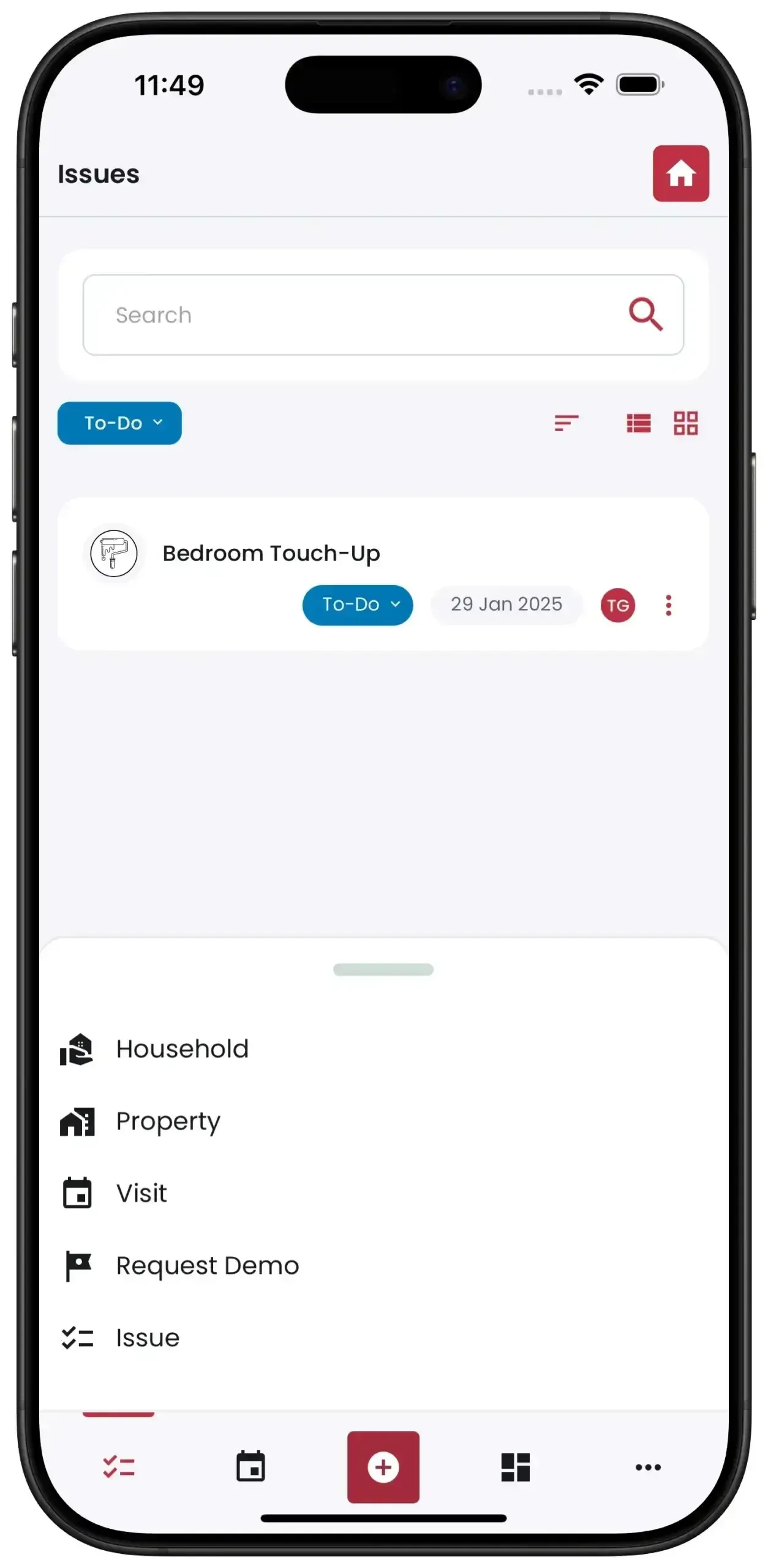
Now that you have built a smart list in FixHome+, you can use a better strategy: batching.
Look at your list in the app. You might see:
- Loose banister (Safety issue)
- Caulk peeling in the master shower (Water damage risk)
- Three different lightbulbs you can't reach without a tall ladder (Annoyance)
- Weather stripping torn on the back door (Energy efficiency)
Individually, none of these might feel urgent enough to make a phone find a help. But together? That is a perfectly productive afternoon for a handyman.
Start today
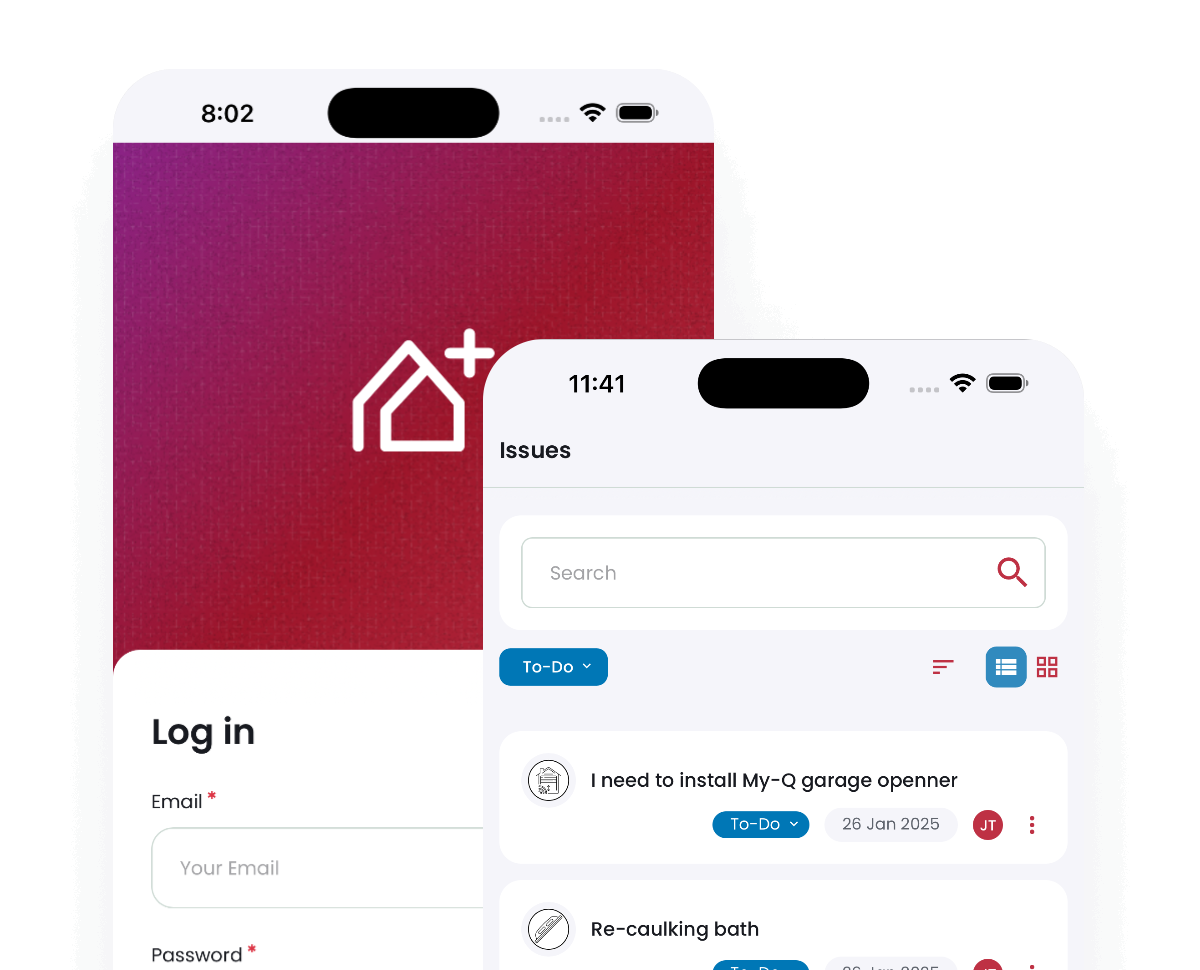
Download the FixHome+ App
Manage home maintenance with just a few taps. Book visits, track tasks, and get updates—all in one place with the FixHome+ app.
Deciding to Book the Pros Instead of DIY
Once you've organized your tasks, you might wonder whether to tackle them yourself or call in the pros. Here's how FixHome+ packages can help. If you are on a subscription plan and booking a standard visit, you usually have a set block of time - around two hours. Our expert checks your selected tasks against that time limit.
If you pick tasks that total 1 hour and 45 minutes, perfect. You are maximizing the visit. If you try to add eight hours of work to a single two-hour slot, you have to split it up or prioritize.
When you request the visit, the handyman receives not just a date and time, but your dossier: the list of tasks, the photos you took, and your notes. They arrive prepared. They don't waste the first hour figuring out what needs to be done. They just get to work. Find more details about how it works here.
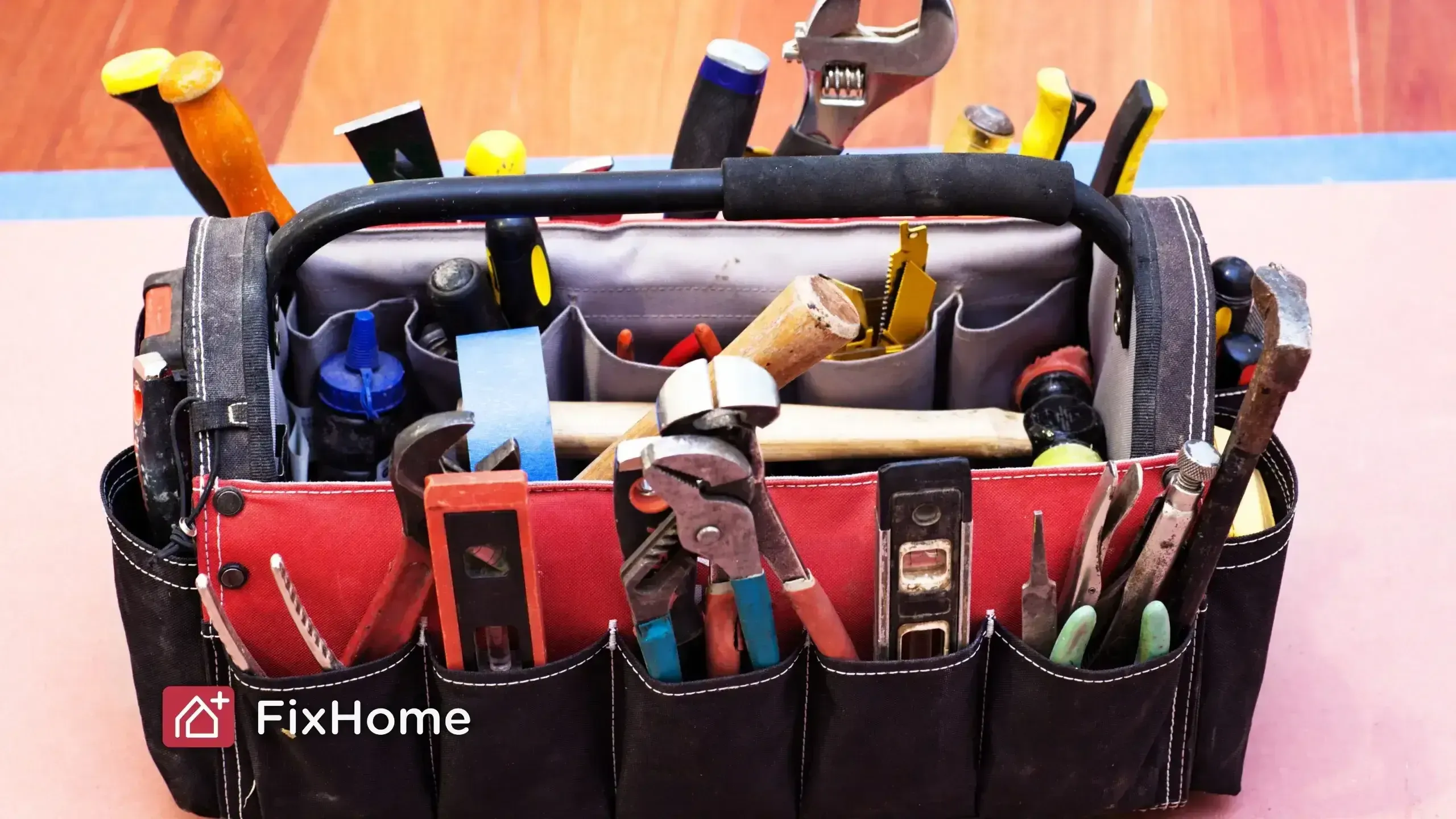
Stop Managing Your Home in Your Head
We carry around too much information in our heads. We try to remember birthdays, passwords, grocery lists, and the fact that the gutters need cleaning. It is exhausting.
Your smartphone is already organizing the rest of your life. It is time to let it organize your home, too.
By using the data you already have, you can build a maintenance strategy that is proactive rather than reactive. FixHome+ just gives you a place to put that strategy into action.
So, DIY guys who just need a seasonal home maintenance checklist or someone who happily hands off the toolbelt to a pro, the key is having a plan.
Ready to get those tasks out of your head and onto a list? Download FixHome+ today. It's an easy-to-use app for home repair and maintenance planning.
More from our blog.
Discover more insightful and engaging content from our blog.